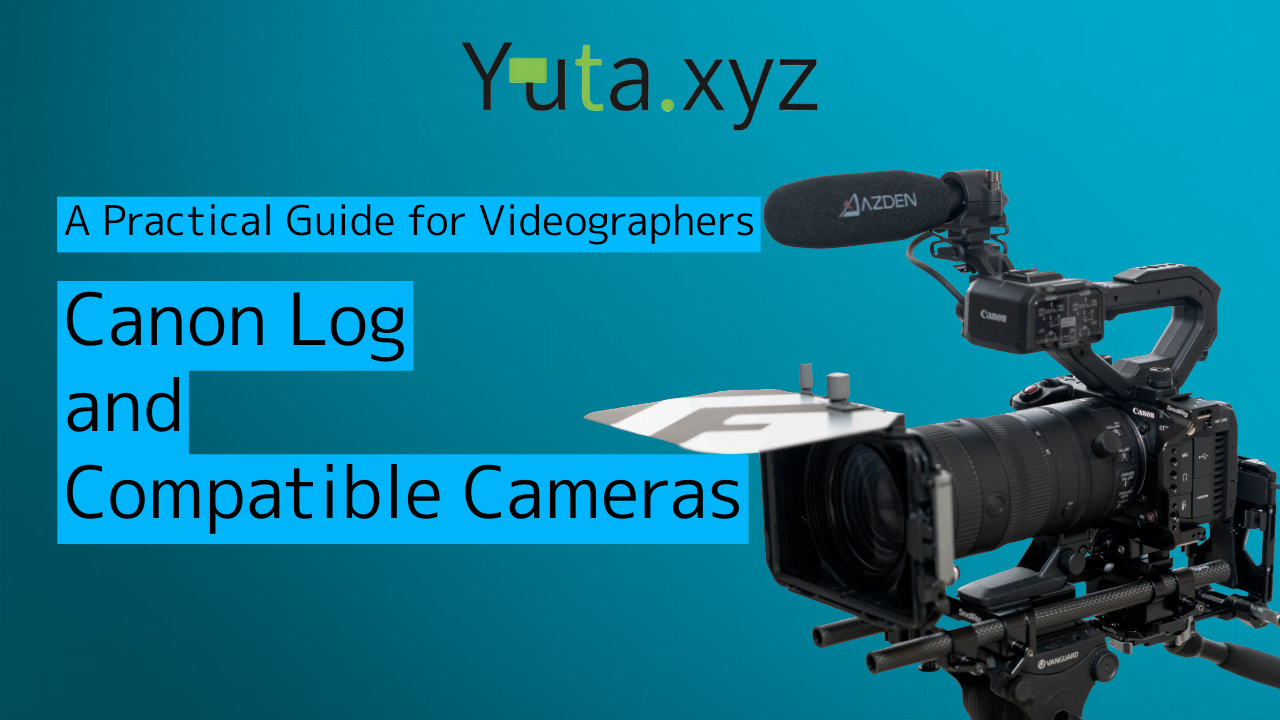
In recent years, more and more people have been shooting video with Canon mirrorless cameras like the EOS R series, as well as the CINEMA EOS lineup. For serious video work, many creators also choose to shoot in Log.
- Introduction: Why Canon Log Matters Right Now
- Chapter 1: What Canon Log Is
- Chapter 2: Differences Between Canon Log 1 / 2 / 3
- Chapter 3: How to Expose Canon Log (Practical Guide)
- Chapter 4: How to Use LUTs with Canon Log
- Chapter 5: Canon Log Compatible Cameras (As of February 2026)
- Chapter 6: How to Choose the Best Canon Log for Your Use Case
- Chapter 7: Summary — Choosing the Right Log Is Everything
Introduction: Why Canon Log Matters Right Now
Camera performance has improved dramatically, and we now live in an era where almost anyone can shoot high-quality video. But simply recording at high resolution does not automatically give you a “cinematic texture” or “deep tonal gradation.”
That is where Log shooting becomes important. Canon’s Log system, Canon Log (C‑Log), has become an essential tool for many videographers.
Canon Log is a gamma curve designed to preserve as much sensor information as possible, so you can do flexible color correction and grading in post.
Canon has three major Log variants—Canon Log 1 / 2 / 3—and each has different characteristics. If you choose the right one for the right job, you can get the best results.
In this article, I will organize Canon Log’s features, exposure approach, LUT workflow, and compatible cameras in a structured way, and summarize practical knowledge for any videographer who wants to use Canon Log confidently.
Chapter 1: What Canon Log is
Chapter 2: Differences between Canon Log 1 / 2 / 3
Chapter 3: How to expose Canon Log (practical guide)
Chapter 4: How to use LUTs with Canon Log
Chapter 5: Canon Log compatible camera list (as of February 2026)
Chapter 6: How to choose the best Canon Log for your use case
Chapter 7: Summary — Choosing the right Log is everything
Chapter 1: What Canon Log Is
The basic idea behind Log shooting
Log shooting is a method for recording as much highlight and shadow information as possible, across a wide dynamic range.
With standard Rec.709, highlights can clip easily and shadows can crush easily. Log compresses tonal values at recording time so you can shape the image more freely during editing.
Key strengths of Canon Log:
- Strong highlight roll-off (good highlight retention)
- Beautiful skin tone gradation
- Easier to maintain Canon’s natural color rendering
- Log2 / Log3 can secure a dynamic range suitable for cinema-level work
Canon Log started in the Cinema EOS series, and its technology expanded into the EOS R series. Today, it sits at the center of many Canon-based video workflows.
Chapter 2: Differences Between Canon Log 1 / 2 / 3
Canon Log has three versions, and each one has a different purpose.
Canon Log (original)
Characteristics
- The easiest to handle
- Less shadow noise
- Less likely to break even in 8-bit
- Weaker highlight headroom than Log 3
Best for
- YouTube
- Food and lifestyle videos
- Corporate videos
- When you want to keep editing time short
Recommended exposure
- +1.0 EV (about one stop brighter)
Canon Log 3
Characteristics
- The current standard Log option
- Strong highlight headroom
- Wider DR than Log 1
- Easier to handle than Log 2
- Most balanced option when shooting 10-bit
Best for
- Documentary
- Corporate videos
- Short films
- Travel videos
Recommended exposure
- +1.3 to +1.7 EV
Canon Log 2
Characteristics
- The widest dynamic range in the Canon Log family
- Shadow noise shows up most easily
- Grading is basically required
- Designed for Cinema EOS workflows
Best for
- Films
- Commercials
- HDR production
Recommended exposure
- +1.7 to +2.0 EV
Chapter 3: How to Expose Canon Log (Practical Guide)
The most important factor for mastering Canon Log is exposure.
Log behaves differently from standard picture styles. In general, shadows are more fragile and highlights are more forgiving.
That is why a common baseline is to shoot slightly brighter than “normal exposure,” using ETTR (Expose To The Right).
3-1: Three rules to remember
If you keep these three points in mind, you will be much less likely to get lost:
- Underexposure increases noise
- Highlights hold well, so slight overexposure is often acceptable
- The best exposure offset depends on which Log you use
In general, the amount of exposure compensation needed increases in this order:
Log 1 → Log 3 → Log 2.
3-2: Recommended exposure by Log type
Canon Log (original)
- Recommended: +1.0 EV
- Easy to handle with less shadow noise
- Risky to push too far (around +2 EV can be dangerous)
Canon Log 3
- Recommended: +1.3 to +1.7 EV
- Shadows can get noisy if you are too dark
- Highlights are strong, so exposing brighter is usually safer
Canon Log 2
- Recommended: +1.7 to +2.0 EV
- Maximum dynamic range
- Underexposure is critical because shadows are very weak
3-3: Exposure reference using waveform (WFM)
| Log | Skin tone (IRE) | White (paper) | Middle gray |
|---|---|---|---|
| Log 1 | 55–60 | 80–85 | 32 |
| Log 3 | 60–65 | 85–90 | 35 |
| Log 2 | 65–70 | 90–95 | 38 |
If you set exposure based on skin tone brightness, you will usually get the most stable results.
3-4: Zebra setting guidelines
| Log | Zebra for skin | Clipping warning |
|---|---|---|
| Log 1 | 70% | 95% |
| Log 3 | 75% | 95% |
| Log 2 | 80% | 95% |
A good target is when zebras appear faintly on skin.
3-5: Practical exposure examples by scene
Bright indoor scene
- Log 1: +1.0 EV
- Log 3: +1.3 EV
- Log 2: +1.7 EV
Food shooting (natural light)
- Log 1: +1.0 EV
- Good color consistency
Night scenes / low light
- Log 3: +1.3 EV
- Log 2 is not recommended because noise increases easily
Chapter 4: How to Use LUTs with Canon Log
Another key part of Log workflow is the LUT.
A LUT is a “color conversion table,” used to turn flat Log footage into a viewable image, or into a more cinematic look.
Here, I will organize practical LUT usage, focusing mainly on Canon Log 3.
4-1: Types of LUTs
1) Technical LUT (Log → Rec.709)
- Canon’s official standard conversion
- Accurate color with fewer failures
- Great as a starting point for editing
2) Creative LUT (cinematic looks)
- Neutral / Soft / Film, etc.
- Adjusts skin tone gradation and contrast in a film-like way
- Good for short films
3) Monitoring LUT (on set)
- For View Assist
- Helps you judge exposure while shooting
4-2: Canon official LUTs for Canon Log 3
Canon official BT.709 (standard)
- Natural color
- Great for corporate work, food, lifestyle content
Canon Cinema Neutral
- Beautiful skin tones
- Good for documentary
Canon Cinema Soft
- Gentle tone
- Useful for night or low-light
Canon Cinema Film
- Deep, cinematic feel
- Suitable for short films and commercials
Chapter 5: Canon Log Compatible Cameras (As of February 2026)
Canon Log started with Cinema EOS, then expanded into the EOS R series and professional camcorders.
Here is an overview of Canon Log 1 / 2 / 3 compatibility for Cinema EOS and EOS R-series cameras.
5-1: Cinema EOS (for film production)
Canon Log 2 / Log 3
- C70 (released Nov 2020)
- C400 (released Sep 2024)
- C80 (released Nov 2024)
- C50 (released Nov 2025)
Canon Log / Log 2 / Log 3
- C300 Mark II (released Sep 2015, EF mount)
- C700 (released Dec 2016, EF mount)
- C700 FF (released Jul 2018, EF mount)
- C500 Mark II (released Dec 2019, EF mount)
- C300 Mark III (released Jun 2020, EF mount)
Canon Log 3
- R5C (released Mar 2022)
Canon Log / Log 3
- C200 / C200B (released Jul 2017, EF mount)
Canon Log
- C300 (released Jan 2012, EF mount)
- C500 (released Oct 2012, EF mount)
- C100 (released Nov 2012, EF mount)
- EOS-1D C (released Dec 2012, EF mount)
- C100 Mark II (released Dec 2014, EF mount)
5-2: EOS R series (mirrorless)
Canon Log 2 / Log 3
- R5 Mark II (released Aug 2024)
- R1 (released Nov 2024)
- R6 Mark III (released Nov 2025)
Canon Log 3
- R3 (released Nov 2021)
- R7 (released Jun 2022)
- R6 Mark II (released Dec 2022)
- R8 (released Apr 2023)
- R50V (released May 2025)
Canon Log / Log 3
- R5 (released Jul 2020)
- R6 (released Aug 2020)
Canon Log
- EOS R (released Oct 2018)
Not compatible with Canon Log
- RP (released Mar 2019)
- R10 (released Jul 2022)
- R50 (released Mar 2023)
- R100 (released Jun 2023)
Chapter 6: How to Choose the Best Canon Log for Your Use Case
Canon Log is not about “which one is best overall.” The key point is that the best Log changes depending on your purpose.
Here are practical recommendations by use case:
6-1: YouTube / Social media
- Canon Log (original)
- Reason: easy to handle, less likely to break
6-2: High-quality YouTube / Documentary
- Canon Log 3
- Reason: good balance of dynamic range and usability
6-3: Film / Commercial / HDR
- Canon Log 2
- Reason: maximum dynamic range
Chapter 7: Summary — Choosing the Right Log Is Everything
Canon Log is not just a gamma curve. It is a tool to maximize creative flexibility in post.
- Log 1: easiest to handle
- Log 3: today’s standard
- Log 2: for maximum quality when you can spend time grading